
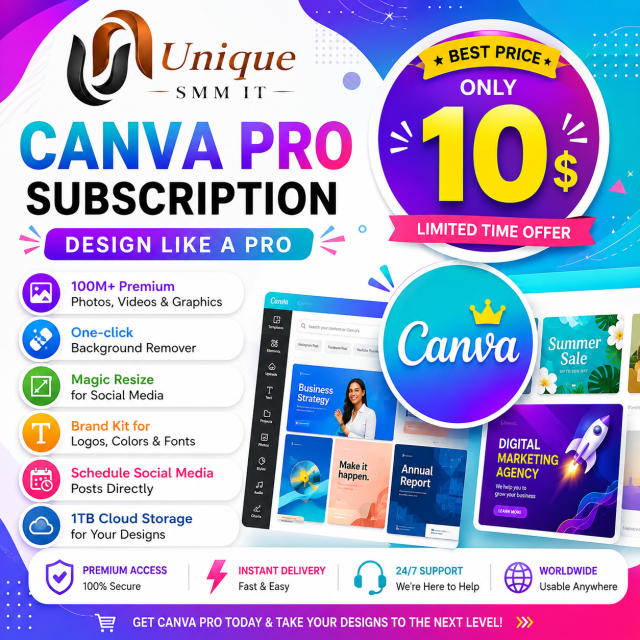
Canva Pro Subscription
Canva Pro Subscription ✨ 100M+ Premium Stock Photos & Videos 🪄 One-Click Background Remover 📐 Magic…

Learn how PayPal works, how to set up and secure your account, manage payments, understand fees, handle common account issues, and use PayPal for legitimate online business.
✅ PayPal Account Setup
✅ Personal & Business Accounts
✅ Account Verification
✅ Sending & Receiving Payments
✅ Payment Requests & Invoices
✅ PayPal Fees & Currency Conversion
✅ Account Security
✅ Payment Holds & Limitations
✅ Disputes & Refunds
✅ PayPal for Online Business
✅ Practical Payment Workflows
Digital purchases are covered by our Terms of Service, Privacy Policy, and License Agreement.
Master PayPal from Account Setup to Professional Payment Management.
Learn how to properly set up, verify, secure, and manage your PayPal account while understanding payments, invoices, fees, limitations, refunds, and online business workflows.
✅ PayPal Account Setup
✅ Personal & Business Accounts
✅ Account Verification
✅ Sending & Receiving Payments
✅ Payment Requests & Invoices
✅ PayPal Fees & Currency Conversion
✅ Account Security
✅ Payment Holds & Limitations
✅ Disputes & Refunds
✅ PayPal for Online Business
✅ Practical Payment Workflows
🎓 40+ Video Lessons
📚 10 Complete Modules
📄 PDF Guides & Checklists
🎁 7 Bonus Resources
🔄 Lifetime Access & Updates
💻 Practical Demonstrations
PayPal Masterclass 2026
By UniqueSMMIT
Learn • Practice • Build • Grow
Lesson 1.1: What is PayPal?
Lesson 1.2: How PayPal Works
Lesson 1.3: Personal vs. Business Accounts
Lesson 1.4: PayPal Terminology You Should Know
Lesson 1.5: PayPal Fees & Payment Basics
Lesson 2.1: What You Need Before Creating an Account
Lesson 2.2: Creating a PayPal Account
Lesson 2.3: Setting Up Your Profile
Lesson 2.4: Email & Phone Verification
Lesson 2.5: Setting Up Two-Factor Authentication
Lesson 2.6: Important Account Settings
Lesson 3.1: Why PayPal Verification Is Required
Lesson 3.2: Understanding Verification Requirements
Lesson 3.3: Preparing Your Documents
Lesson 3.4: How to Complete Verification
Lesson 3.5: Common Verification Problems
Lesson 3.6: What to Do When Verification Is Pending
Important: Students should always use their own real information and legitimate documents.
Lesson 4.1: How to Send Money
Lesson 4.2: How to Receive Money
Lesson 4.3: Requesting Payments
Lesson 4.4: Creating Payment Requests
Lesson 4.5: Receiving Client Payments
Lesson 4.6: Checking Transaction History
Lesson 4.7: Refunds & Cancellations
Lesson 5.1: Personal vs. Business Account
Lesson 5.2: Creating a Business Profile
Lesson 5.3: Adding Business Information
Lesson 5.4: Creating Invoices
Lesson 5.5: Payment Requests
Lesson 5.6: Managing Customer Payments
Lesson 5.7: Business Payment Workflow
Lesson 6.1: Understanding PayPal Fees
Lesson 6.2: International Payments
Lesson 6.3: Currency Conversion
Lesson 6.4: Exchange Rates
Lesson 6.5: Calculating Your Net Payment
Lesson 6.6: Practical Fee Examples
Lesson 7.1: Protecting Your PayPal Account
Lesson 7.2: Two-Factor Authentication
Lesson 7.3: Creating a Strong Password
Lesson 7.4: Identifying Fake PayPal Emails
Lesson 7.5: Avoiding Phishing & Scams
Lesson 7.6: Suspicious Transactions
Lesson 7.7: Account Security Checklist
Lesson 8.1: Why PayPal Accounts Can Be Limited
Lesson 8.2: Payment Holds
Lesson 8.3: Pending Payments
Lesson 8.4: Account Reviews
Lesson 8.5: Responding to Information Requests
Lesson 8.6: Disputes & Claims
Lesson 8.7: Refund Issues
Lesson 8.8: Using the Resolution Center
Lesson 8.9: Contacting PayPal Support
Lesson 9.1: Using PayPal for Freelancing
Lesson 9.2: Using PayPal for Digital Products
Lesson 9.3: Client Payment Workflow
Lesson 9.4: Invoicing Customers
Lesson 9.5: Payment Links
Lesson 9.6: Basic Website Payment Workflow
Lesson 9.7: Managing Orders & Payments
Build a complete payment workflow:
Customer → Product → PayPal Payment → Payment Confirmation → Order Fulfillment
You can record this entire process as a practical screen-recording class.
Canva Pro Subscription ✨ 100M+ Premium Stock Photos & Videos 🪄 One-Click Background Remover 📐 Magic…

Learn how to set up and use Payoneer with our easy, step-by-step course. Get practical guidance…

Facebook Account Setup Service Facebook account setup guidance Profile information & bio setup Username and contact…

Instagram Account Setup Service Service Includes: Instagram account setup guidance Professional/Creator account setup Username & bio…

Custom Gmail Account Setup What We Offer Custom Gmail account setup Username availability guidance Professional account…

One Month Stay secure and private online with our Premium VPN. Enjoy fast speeds, encrypted connections,…
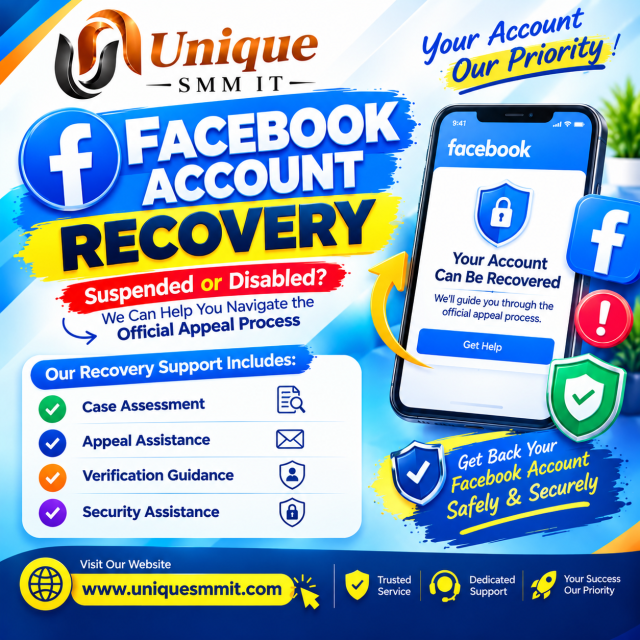
Facebook Suspended Account Recovery Assistance Our service includes: Suspension/disablement case assessment Official appeal process guidance Appeal…

Multi-device Express VPN access for one month
Reviews
There are no reviews yet.